
Sarah, a 28-year-old retail manager with zero technical background, opened a free coding tutorial one evening and hit immediate frustration — unfamiliar syntax, cryptic errors, a blinking cursor. Six months later she landed her first junior developer role. The difference wasn’t raw talent; it was finding the right path and sticking to it.
That story repeats daily. Learning to code is far more accessible than the tech world suggests — whether your goal is building an app, landing a tech role, or automating your workday.
Why Coding Is the Superpower of the Digital Age
Every platform, algorithm, and business tool is written in a programming language by someone who once sat where you are now. Learning how to code turns you from a passive consumer into an active creator. The opportunities are real:
- Career advancement — Software development ranks among the fastest-growing, highest-paying professions, with strong demand for Python and JavaScript developers.
- Freelance freedom — After 3–6 months of consistent practice, many beginners are ready for their first paid projects.
- Problem-solving power — Coding builds structured, logical thinking that transfers far beyond the screen.
- Creative expression — Games, data visualizations, and websites are all within reach with a computer and internet connection.
What This Guide Will Do for You
This is a practical roadmap for beginner programmers who want real skills. You will get:
- Guidance on choosing the right beginner-friendly language first.
- A curated breakdown of free and paid coding resources — freeCodeCamp, Codecademy, LeetCode, and HackerRank.
- A proven code learning approach balancing theory with daily practice so concepts actually stick.
- Strategies for building a programming community so you never feel isolated.
Remember: consistency beats intensity every time. You need a realistic schedule, the right resources, and the willingness to write imperfect code — every error is a lesson.
Choosing Your First Programming Language: The Right Start



Picking your first programming language is a consequential decision. The right choice aligns with your goals and builds momentum. This guide cuts through the noise so you can decide with confidence.
Why Your First Language Matters More Than You Think
As a beginner, you are building mental models of logic and problem-solving — not just writing code. A gentle learning curve lets you focus on fundamentals without drowning in cryptic errors. Know your end goal first: web development, automation, data analysis, and mobile apps each map to a different starting point.
Python: The Friendliest Gateway Into Programming
Python is the most recommended first language. Its readable, English-like syntax means you focus on logic rather than punctuation. Write print("Hello, world") and you have a working program in seconds. Python powers automation, web backends, data science, and AI/ML — and ranks among the most in-demand skills by employers. Its vast community ensures every beginner question is already answered somewhere online.
JavaScript: Build Interactive Things Immediately
JavaScript runs natively in every browser with nothing to install, giving beginners instant visual feedback. With Node.js, it also powers server-side apps, making full-stack web development possible in one language. Master the fundamentals — scope, functions, asynchronous behavior — before jumping into frameworks like React or Vue.
HTML5 and CSS: The Bedrock of the Web
HTML5 defines web page structure; CSS controls its appearance. Neither involves traditional logic, but both deliver immediate, visual results — a portfolio or landing page within your first week — and provide essential context before you layer on JavaScript.
Java: Structured, Disciplined, and Widely Employed
Java demands more initial configuration than Python, but its object-oriented structure and strong typing build discipline that pays off in enterprise projects and Android development. Expect a steeper initial climb.
C# and .NET: The Enterprise and Game Development Path
C# excels in enterprise apps, Windows software, and Unity game development. 2024 salary data identifies it as one of the highest-paid languages — a strong long-term investment.
What About C, C++, and Rust?
C++ and Rust are powerful but introduce complexity — manual memory management and unforgiving compilers — that can erode motivation early on. Start with Python or JavaScript and revisit them once you have solid fundamentals.
Language Comparison at a Glance
Use the table below to match languages to criteria that matter most for your decision.
| Language | Learning Curve | Primary Use Cases | Job Market Demand | Community & Resources | Best For Beginners Who Want To… |
|---|---|---|---|---|---|
| Python | Low | Automation, data science, AI/ML, web backends | Very High | Excellent | Automate tasks, explore data, or enter AI/ML |
| JavaScript | Low–Medium | Web front-end, web back-end (Node.js), mobile apps | Very High | Excellent | Build interactive websites or full-stack web apps |
| HTML5 & CSS | Very Low | Web page structure and styling | High (foundational) | Excellent | Create web pages and understand front-end basics |
| Java | Medium | Enterprise software, Android development | High | Very Good | Enter enterprise environments or build Android apps |
| C# | Medium | Enterprise apps, game dev (Unity), Windows software | High (top-paying) | Very Good | Develop games or pursue high-salary enterprise roles |
| C++ | High | Systems programming, game engines, competitive programming | Moderate–High | Good | Master low-level concepts after gaining initial fluency |
A Decision Flowchart: Match Your Goal to a Language
Start with HTML5 + CSS, then add JavaScript
Go straight to JavaScript (Node.js + a front-end framework)
Its libraries (NumPy, Pandas, TensorFlow) are the industry standard.
Learn Java first
Learn C# with .NET
then transition to C++ or Rust once fundamentals are solid.
The Golden Rule: Master One Language Before Spreading Out
Avoid learning multiple languages simultaneously. Core concepts — variables, loops, functions, data structures — transcend any single language; once internalized in one, picking up a second is far easier. Choose a language aligned with your goal, commit to it for three to six months, and build real projects. Then evaluate a second language from a position of genuine strength.
Structured Learning Accelerates Everything
Choosing a language is only the first step. Prioritize writing code over consuming content. Set up a simple project — a personal webpage, a to-do app, a data script — and work on it consistently. Every bug you track down deposits expertise in a way passive watching never will.
Unlocking Coding: Essential Free Resources and Tools
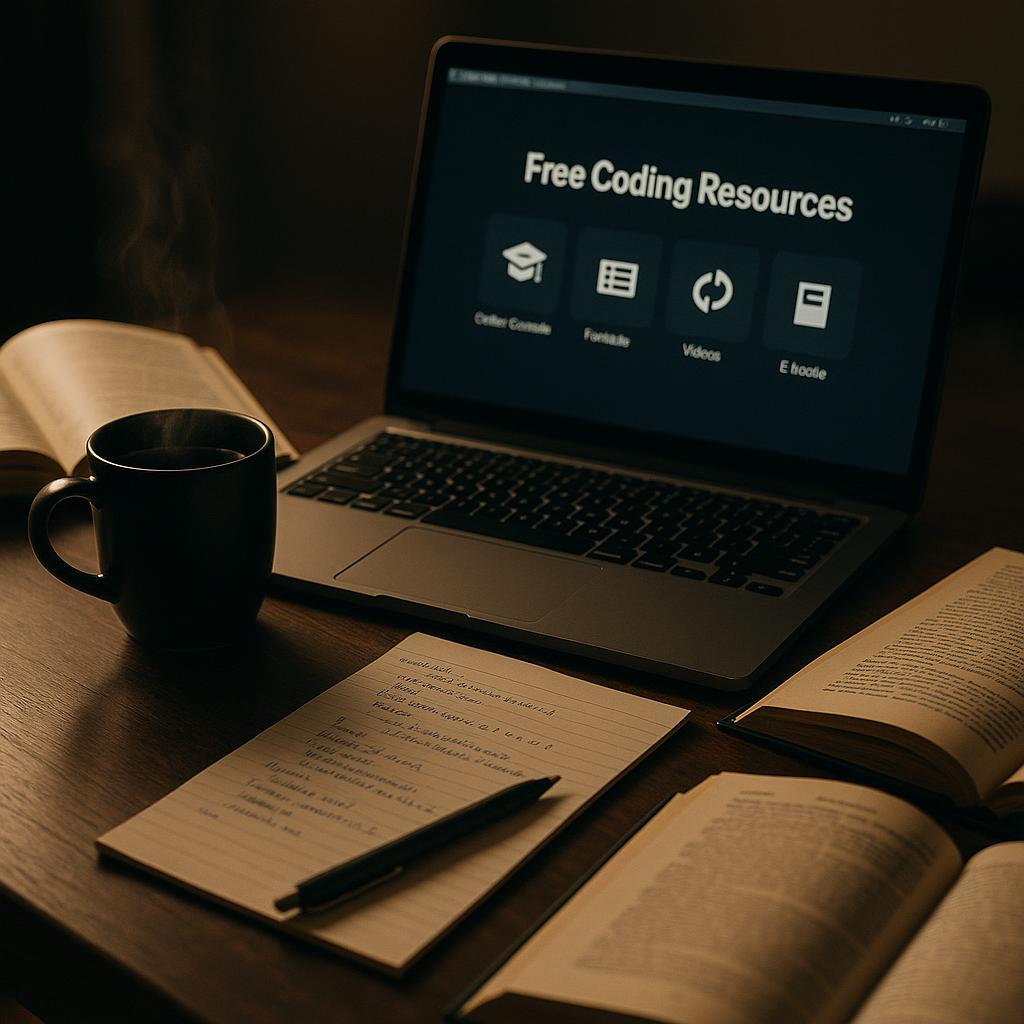
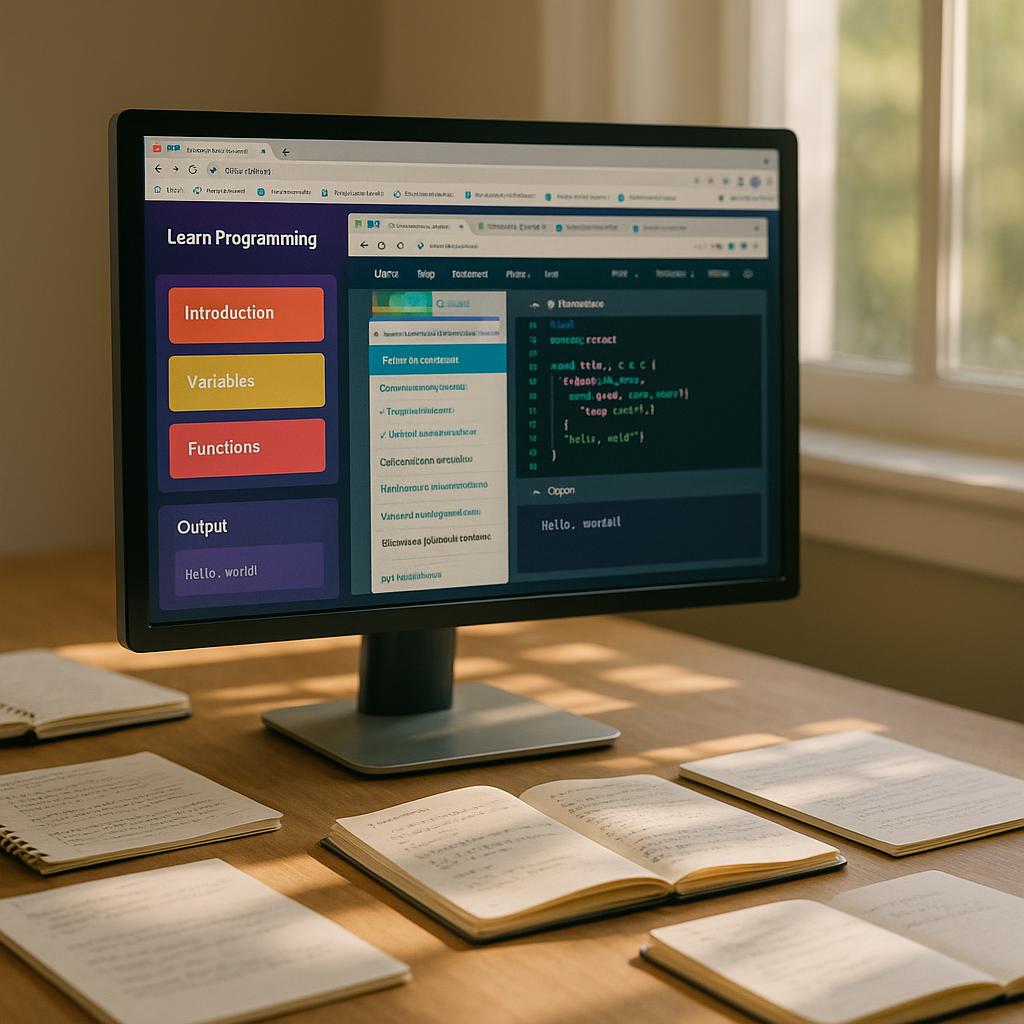

In 2025, a rich ecosystem of free courses, tools, and communities puts world-class coding education within everyone’s reach. Here’s every essential layer so you can build a learning stack that matches your goals.
1. Interactive Learning Platforms
Codecademy — Best for Guided, Interactive Experiences
Codecademy’s free tier delivers browser-based lessons across JavaScript, Python, SQL, and more. Its instant feedback loop makes it ideal for absolute beginners building early confidence.
freeCodeCamp — Best for a Structured, Portfolio-Building Curriculum
freeCodeCamp covers HTML, CSS, JavaScript, Python, data visualization, and machine learning — organized into certifiable milestones requiring real project builds. It also hosts YouTube tutorials and a free Harvard CS50 SQL course.
The Odin Project — Best for Project-Based Web Development
The Odin Project takes a rigorous, open-source approach to full-stack development using HTML, CSS, JavaScript, and Node.js. It teaches documentation reading and independent debugging — plus offers an active Discord community for mentorship.
2. University-Grade MOOCs for Deep Fundamentals
Harvard’s CS50 — The Gold Standard for Serious Learners
Free on edX and YouTube, CS50 covers memory management, data structures, algorithms, and web development with university-caliber production quality.
MIT OpenCourseWare & Coursera / edX Free Audits
MIT OpenCourseWare provides free lecture notes, problem sets, and exams. Coursera and edX allow free auditing of university courses — full materials, no certificate required.
3. Essential Coding Tools: Text Editors and Compilers
| Tool | Type | Best For | Cost |
|---|---|---|---|
| Visual Studio Code | Text Editor / IDE | Web & full-stack development; all skill levels | Free |
| Git | Version Control | Tracking changes; GitHub collaboration | Free |
| Python Interpreter | Runtime | Running Python scripts locally | Free |
Install Visual Studio Code and Git from day one — version control is a professional expectation, and learning it early prevents bad habits later.
4. Coding Practice Platforms: Cementing Skills Through Real Challenges
LeetCode
The industry standard for technical interview prep. Its algorithm and data structure problems mirror hiring challenges at top companies.
HackerRank
Broader in scope than LeetCode, covering SQL, shell scripting, and software design. Certification badges serve as objective proof of competency for some employers.
5. Coding Communities: Mentorship, Motivation, and Real-World Guidance
- Reddit (r/learnprogramming, r/webdev, r/cscareerquestions): Millions of developers at every level sharing advice, career guidance, and candid course recommendations.
- Discord Servers: The Odin Project, freeCodeCamp, and Codecademy each host active servers for real-time debugging help and study accountability.
- Stack Overflow: The world’s largest developer Q&A archive. Search before posting — your error has likely been solved already.
6. Building Your Personalized Learning Stack
- Complete beginners: Codecademy → freeCodeCamp → CS50 for conceptual depth.
- Web development path: freeCodeCamp certifications → The Odin Project → LeetCode for algorithms.
- Data and ML path: freeCodeCamp Python → CS50 SQL → MIT OpenCourseWare → HackerRank challenges.
- Experienced self-directed learners: The Odin Project + MIT OpenCourseWare + LeetCode daily.
The resources above are freely available to everyone — the differentiating factor is consistent, intentional effort over time.
The IKEA Method: Building Coding Skills Beyond Tutorials



The IKEA method for coding works on a simple principle: you learn best by assembling things yourself, making mistakes, and producing something tangible. Beginners fall into the same trap — watching tutorials, nodding along as code runs perfectly, then freezing in front of a blank code editor. That gap between passive watching and active building is exactly where the IKEA method lives.
Why the IKEA Analogy Works for Coding Practice
IKEA gives you components and trusts you to assemble them. The same process applies when you build projects from scratch. Tutorials are a starting point — not the destination. The moment you close the guide and recreate what you built from memory, that is when real learning happens.
The Three-Phase IKEA Framework
- Focus on One Concept at a Time. Learn one concept — say, CSS flexbox — then apply it immediately. Breadth without depth drives tutorial hell.
- Apply It with a Mini-Project. Build a tip calculator or color-picker. These micro-builds force you to confront real problems tutorials sidestep, like debugging a function returning
undefined. - Recreate Without Aids. Once your project works, rebuild it from scratch using only memory. This consolidation phase is uncomfortable — that discomfort signals your brain rewiring itself.
The 70/30 Rule: Flipping the Learning Ratio
Most beginners spend 90% of their time consuming tutorials. The IKEA method inverts this: dedicate 70% to practical application and 30% to absorbing new material. Reading error messages and tracing bugs are the unglamorous activities that genuinely build programs. Tutorials skip these moments. Real projects are made of nothing else.
Project Gallery: Daily Practice Ideas to Get You Started
- 🔢 Basic Calculator — Handle arithmetic, manage button states, and display dynamic output.
- 🌤️ Weather Dashboard — Fetch API data and parse JSON. Your first encounter with asynchronous JavaScript.
- 📝 Markdown Previewer — Render formatted output in real time. Explores string manipulation and DOM updates.
- 🎯 Habit Tracker — Store data with localStorage and manage state across sessions.
- 🛒 Shopping List App — Add, delete, and categorize items with a simple back-end for persistence.
- 🖼️ Personal Portfolio Site — Combine semantic HTML, responsive CSS, JavaScript, and deployed hosting.
“Making something your own through practice is the best way to advance your skills. You’ll find coding isn’t scary once you take that first step and do it on your own.”
Building Problem-Solving Muscles
The most important skill the IKEA method develops is the ability to sit with a broken program and methodically work toward a solution. Every passive tutorial leaves that muscle unexercised. Every independent build strengthens it. The beginner who builds one clunky calculator today becomes the developer who ships a production app in twelve months — not by watching more tutorials, but by closing them and building.
Embrace Mentorship: Collaborative Learning to Enhance Skills



A coding mentor compresses years of experience into targeted guidance that accelerates your learning in ways no tutorial can. Whether you’re debugging a stubborn function or weighing career paths, the right mentor transforms solitary struggle into structured growth.
Why Mentorship Accelerates Your Coding Journey
A mentor provides:
- Real-world context — bridging textbook concepts and production-grade problem-solving.
- Built-in accountability — regular check-ins keep you consistent and goal-oriented.
- Honest feedback — code reviews reveal blind spots you didn’t know you had.
- Career insight — guidance on industry norms, interviews, and long-term decisions no course addresses.
How to Find a Coding Mentor: Your Step-by-Step Approach
Step 1 — Start With Micro-Mentorship
Practice with focused, one-off interactions on Stack Overflow, Reddit (r/learnprogramming), Discord servers, and GitHub discussions. These sharpen how you articulate problems and can spark longer relationships organically.
Step 2 — Leverage Dedicated Mentorship Platforms
- Codementor — live 1:1 sessions for debugging and code walkthroughs.
- IGotAnOffer — 50+ mentors from top tech companies covering technical skills and career guidance; sessions from $50 per credit.
- MentorCruise — structured long-term relationships with goal setting and progress tracking.
- ADPList — free platform connecting mentees with volunteer tech professionals globally.
Step 3 — Network Within Developer Communities
Reach out on LinkedIn with personalized, specific messages. Attend tech meetups and hackathons for face-to-face rapport. Maintain connections with bootcamp instructors and alumni.
Step 4 — Consider Reverse Mentorship and Peer Learning
Offer skills in design or documentation in exchange for coding guidance. A peer six to twelve months ahead of you can be just as valuable as a senior mentor — they remember confusion clearly and help combat imposter syndrome.
Step 5 — Engage in Pair Programming and Collaborative Projects
Pair programming lets you absorb another developer’s problem-solving process in real time. Contributing to open-source projects adds code reviews, exposure to professional codebases, and a visible collaborative portfolio.
How to Make the Most of a Mentoring Relationship
- Keep a learning journal to focus sessions and track progress.
- Ask layered questions about trade-offs and best practices, not just fixes.
- Share real work — actual projects and bugs, not abstract scenarios.
- Apply advice between sessions and report results at the next meeting.
- Seek diverse perspectives beyond your primary mentor.
“Finding a coding mentor isn’t about finding someone to solve your problems — it’s about finding people who can help you become better at solving them yourself.”
The Compounding Returns of Community Support
Every confused student eventually becomes a resource for someone behind them. Start small — ask a question in Discord, attend a meetup, send one thoughtful message to a developer you admire. These steps compound into a professional network and a career built on collaboration rather than isolated effort.
Conclusion: Your Coding Journey Begins Now



Every expert programmer started exactly where you are right now.
Learning to code is a skill attainable by anyone willing to commit to consistent effort. Your roadmap is clear: begin with Python or JavaScript. JavaScript opens web development from day one; Python unlocks data science, automation, and machine learning. Either is a strong foundation.
Free platforms like FreeCodeCamp, The Odin Project, Codecademy, and Khan Academy can take you from beginner to job-ready developer at no cost. Use them wisely — avoid passive consumption and sidestep “tutorial hell” by building real projects from the start.
“The only way to truly learn to code is to write code — broken, imperfect, real code that you build, break, and fix again.”
Mentorship accelerates growth faster than solo effort. A single code review from a senior developer can teach patterns that take months to discover alone. Seek community through Discord servers, forums, or platforms like MentorCruise.
Your Action Plan Starts Today
-
Choose one language — Python or JavaScript — and commit for 90 days.
-
Build something tiny today — a script, a webpage, a basic function.
-
Set a 30-60-90 day milestone plan — project, portfolio piece, job-ready confidence.
-
Find your community — Discord, meetups, or a mentor aligned with your goals.
-
Practice daily — fifteen focused minutes compounds into extraordinary skill over time.
The only way to fail is to stop trying. Bugs, confusion, and bad code are universal — what separates programmers is the decision to keep going. Coding success is the quiet accumulation of daily decisions to open the editor and write one more line.
That someone is you. Start today.